LinkedIn Profile Builder
A LinkedIn profile that gets you found. Built with AI.
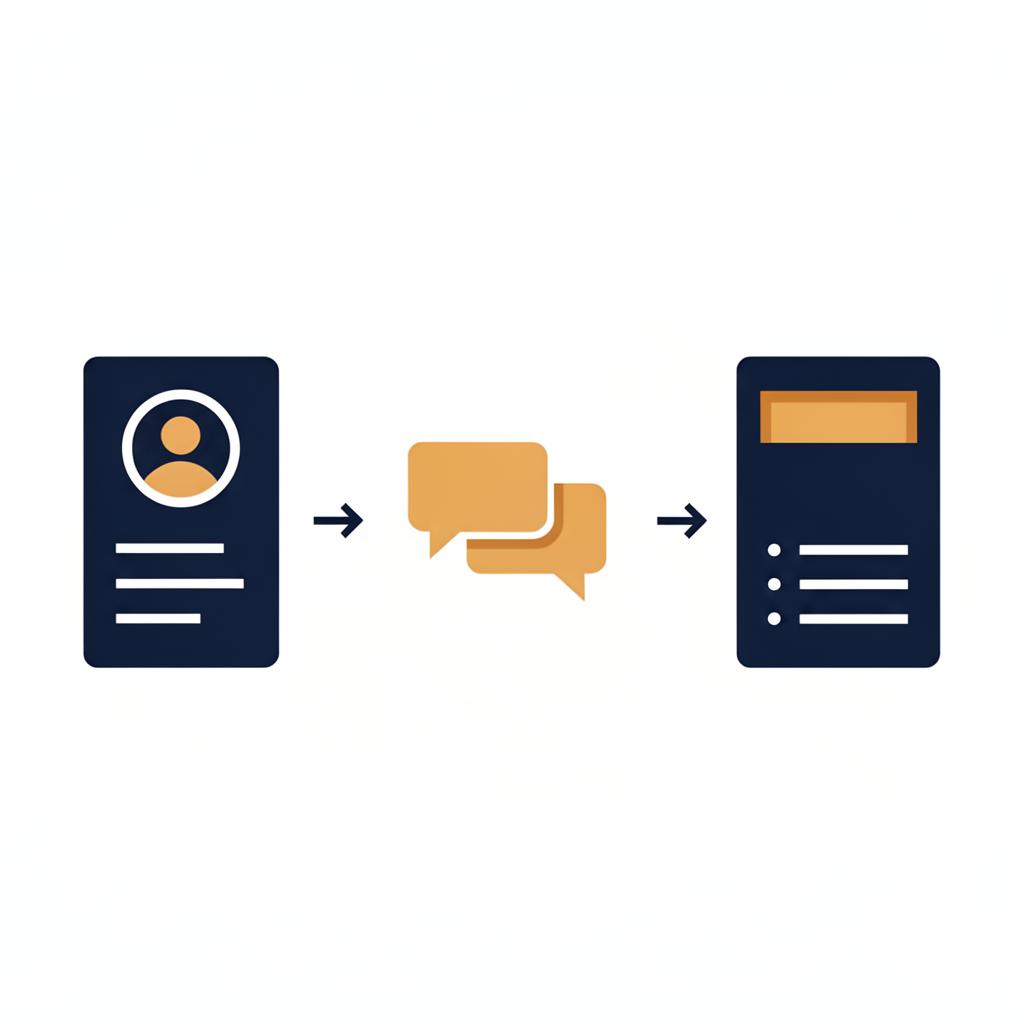
Two prompts. The first reviews your profile and interviews you. The second rewrites it.
Built for building products sales. Findable, credible, true.
Updated August 2026
Yes, I'm a recruiter telling you to use AI on your LinkedIn profile.
Here is why it matters. When someone you have cold called Googles you, your LinkedIn is the first thing they see. When an architect or a builder checks you out before a meeting, same thing. If your profile says nothing useful, you have lost ground before the conversation starts.
The phone still works. Site visits still work. Relationships still matter more than anything. This is not a replacement for any of that. It is one more touchpoint, and most people in building products are not using it. That is your head start.
The two prompts below do the work. The first reads your current profile, tells you straight what is working and what a recruiter would miss, then interviews you to fill the gaps. The second turns your answers into a headline, an About section, rewritten experience, the keywords recruiters search, and three posts to get you started.
It takes about twenty minutes if you are honest with the questions. This is what I would do if it were my profile.
Where this came from
I used to run a LinkedIn session with every rep I placed. The same questions came up so often that I turned the method into this tool, so anyone can use it, not just the people I have placed. It is free, and it stays free.
Which AI to use
Use the most capable model available to you. Free versions can work; if the output is vague, push back and make it ask you better questions.
Stage 1, The Review
Copy this into Claude, ChatGPT or Gemini. Paste in your current profile when it asks. Answer one question at a time.
Before you paste anything
Two things before you start.
First, strip anything confidential. Take out phone numbers and email addresses. Client names, project values, pricing, margins and tender details do not belong in an AI chat. Use ranges or outcomes you would happily say out loud in an interview.
Second, know where your text goes. This page does not receive or store anything you type. The prompts are copied into the AI tool you choose, and what you paste there is handled under that provider's settings and terms, not mine.
You are a specialist recruiter for building products, lighting, and architectural sales roles in Australia. I am going to paste my current LinkedIn profile. Review it the way a hiring manager and a recruiter would, then interview me to fill the gaps. Do not rewrite anything yet. That comes in a second step.

First, read what I paste and give me a short, honest critique: what is working, what is vague, and what a recruiter searching for candidates would miss. Be direct. Do not flatter.

Then ask me these questions, strictly one at a time. Ask question 1, stop, and wait for my answer before asking question 2. Never ask two questions in one message. If my answer is vague or missing numbers, push back once before moving on:
1. What roles do you want to be approached for next?
2. What products, segments, or specifications do you sell, and into which channels?
3. Give me your three biggest wins with actual numbers.
4. What do you want to be known for in your market?
5. Are you actively looking now, or building your reputation for later?
6. Do you currently post on LinkedIn?

When I have answered all six, output a single summary block titled PROFILE BRIEF containing your critique plus my six answers in full, then tell me to copy that one block into the second prompt.

Here is my current LinkedIn profile: [Paste your headline, About, and experience here]
Stage 2, The Rewrite
Paste the PROFILE BRIEF from Stage 1 into this one.
You are a specialist building products sales recruiter writing a LinkedIn profile that gets the right people to make contact. I will paste the PROFILE BRIEF from the previous step. Write as me, in first person. If anything in the brief is too vague to write well, ask me before writing.

Write the following, in Australian English, no corporate fluff, no buzzwords, no em dashes, no emojis, no hashtags:
1. HEADLINE. Three options, each under 220 characters, leading with what I sell and who I sell it to.
2. ABOUT. Open with a hook in the first two lines that works before the "see more" fold, then a specific story of what I sell, the results, and who I help.
3. EXPERIENCE. Rewrite my current or most recent role as 4 to 6 bullets, each tied to a number or a named outcome.
4. SKILLS AND KEYWORDS. The ten terms a recruiter would search to find me.
5. FEATURED SECTION. Two or three things I should pin.
6. POSTING STARTER KIT. Three specific post ideas for the next month, each with a one-line hook, for a building products sales audience.

Here is the PROFILE BRIEF: [Paste here]

Never invent, embellish, infer or round up a number or achievement. If the brief does not contain a real figure for something, write a truthful non-numeric outcome instead, or ask me for the real one.
Before you publish
The AI drafts it. You own every claim in it. Before anything goes on your profile:
- Every number is yours. If the output contains a figure you did not supply, it was made up. Delete it.
- Dates, titles and company names match reality, and the company tag points at the right company entity.
- Nothing confidential from a current or former employer survived into the draft.
- It sounds like you. Read it aloud and cut anything you would never say to a customer.
- Check the headline fits LinkedIn's current character limit inside LinkedIn itself before saving. Limits change.
What good looks like
The prompts handle most of this. Here is the standard to aim for.
The five things that matter
- Photo. Professional, recent, just you. Not a group shot, not a logo.
- Headline. What you sell, who you sell to, and where. Not just your job title. It shows in every search.
- Banner. An employer-approved brand banner works. So does a clean sector-relevant image, or none. Do not use brand assets you are not authorised to use, and if you are quietly looking, a neutral banner is the safer call.
- About. Two or three lines on what you specialise in, who you help, and where. Written for a human.
- Experience. Current role up to date, with a clear description of what you actually sell.
Post this
- Project completions with photos
- Product and application tips
- Site visits
- Industry events and CPD
- Team or customer wins
Skip this
- Political opinions
- Generic motivational quotes
- Complaints about competitors
- Resharing company posts with nothing added
The test is relevance and audience fit, not a ban. Selective personal material can build recognition; sunsets with quotes on them cannot.
Simple habits
- Every day, two minutes. Accept connection requests. Like or comment on one or two posts.
- After every client meeting, thirty seconds. Connect with everyone you met and add a note referencing the meeting.
- Once a year, twenty minutes. Update your photo, review your headline and About, check your experience is current.
Once your profile is sorted, the LinkedIn Guide covers what to actually post.
Which one do I need?
- This Profile Builder is the full two-stage workflow for the profile itself.
- The LinkedIn prompt library is single copy-ready prompts for connections, content and comments.
- The 8-part LinkedIn guide is the strategy around all of it.
Common questions
Run the two stages, work the checklist, then get it live. And if the profile work has you thinking about your next move, or you just want a second set of eyes on where you sit in the market, get in touch.